> ## Documentation Index
> Fetch the complete documentation index at: https://docs.tierzerocode.com/llms.txt
> Use this file to discover all available pages before exploring further.
# Cloudflare Zero Trust
> Configure Cloudflare Zero Trust Device Integration
The following steps will integrate Cloudflare Zero Trust by using an Account API Token with the below API permissions. Currently setup is limited to using an Account API Token with an api token, account id, and domain.
## Required Permissions
| API | Permission | Description |
| :----------- | :-------------------------- | :------------------------------ |
| Custom Token | Account : Zero Trust : Read | Zero Trust Devices and Services |
## Setting Up Cloudflare Zero Trust Device Integration
In Tier Zero Code, go to “Integrations” and click on the Cloudflare Zero Trust device integration then enable and configure integration.
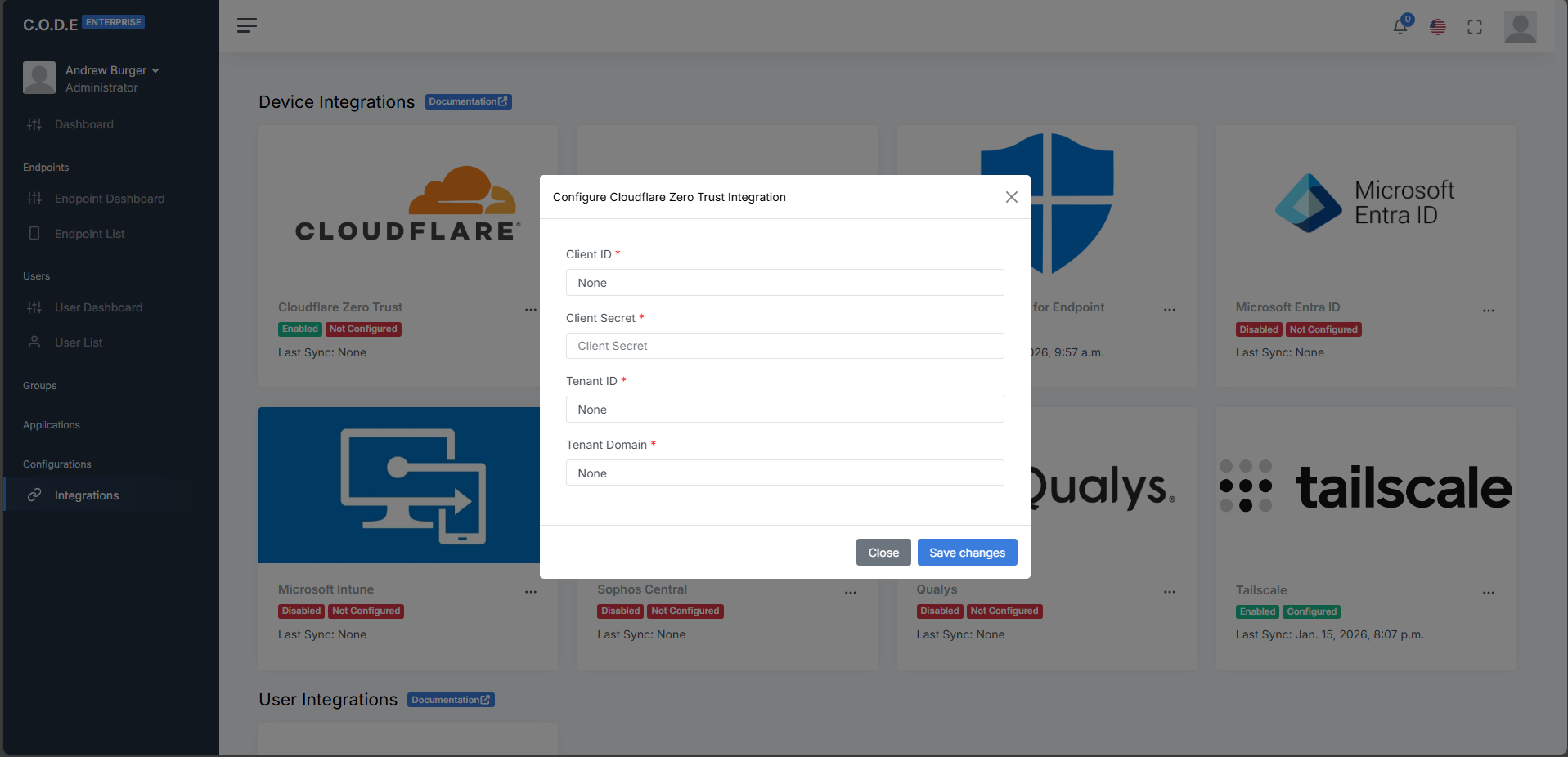 In the Cloudflare Zero Trust Configuration, you'll need the following fields:
The API Token value from the "Account API tokens" page post creation confirmation.
The account ID from the primary tenant domain "Overview" page.
The primary domain for the Cloudflare account Zero Trust platform.
In the Cloudflare Zero Trust Configuration, you'll need the following fields:
The API Token value from the "Account API tokens" page post creation confirmation.
The account ID from the primary tenant domain "Overview" page.
The primary domain for the Cloudflare account Zero Trust platform.