Required Permissions
Setting Up CrowdStrike Falcon Device Integration
In Tier Zero Code, go to “Integrations” and click on the CrowdStrike Falcon device integration then enable and configure integration.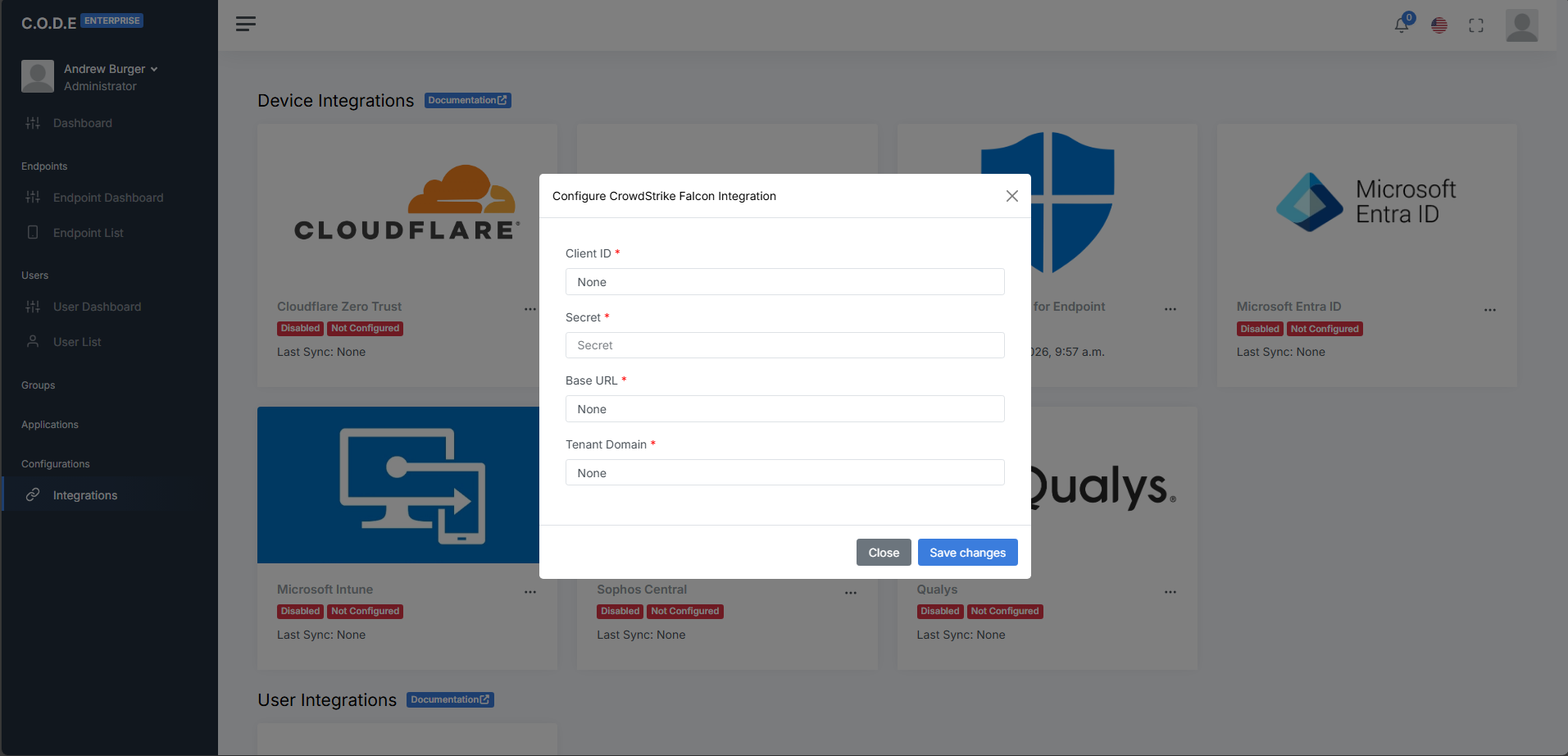
string
required
The Client ID from the “OAuth2 API Clients” creation confirmation.
string
required
The secret value from the “OAuth2 API Clients” creation confirmation.
string
required
The base url from the “OAuth2 API Clients” creation confirmation.
string
required
The primary domain for the CrowdStrike tenant.