Required Permissions
Setting Up Microsoft Defender for Endpoint Device Integration
In Tier Zero Code, go to “Integrations” and click on the Microsoft Defender for Endpoint device integration then enable and configure integration.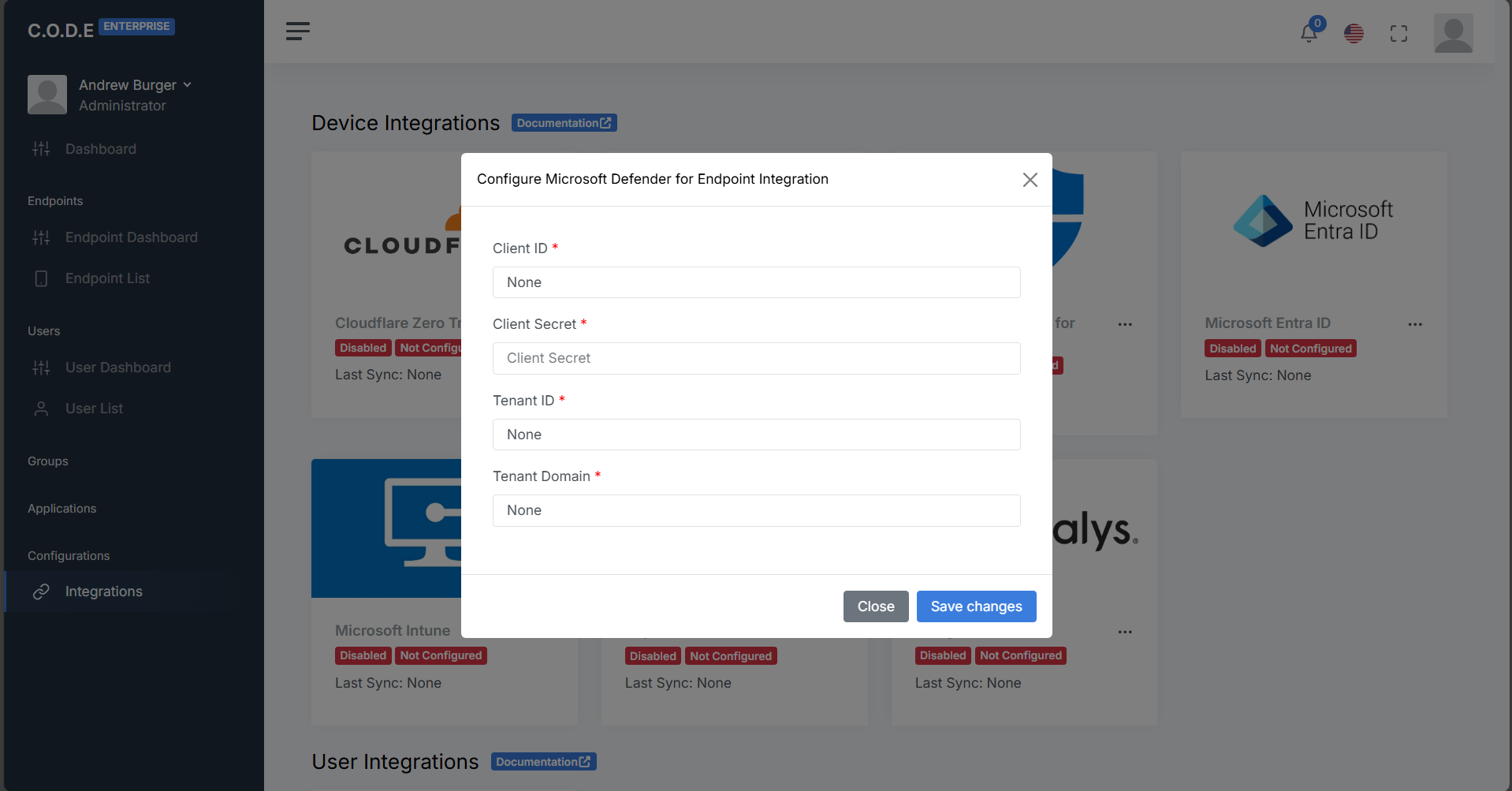
string
required
The application (client) ID from the “Overview” section of your app registration
string
required
The client secret value from the “Certificates and secrets” section of your app registration
string
required
The directory (tenant) ID from the “Overview” section of your app registration
string
required
The primary domain from the “Home” of your Microsoft Entra admin center.